Best Used Laptop Shop in Bangladesh: How to Find a Trusted Seller and Buy with Confidence
Buying a used laptop in Bangladesh can be a smart move. It can also be an expensive mistake. The same Dell Latitude or MacBook Air can be a great deal from one seller and a headache from another, depending on how it was tested, what warranty comes with it, and whether the shop stands behind its word.
This guide explains what actually makes a used laptop shop the best one for you, how to inspect a laptop before paying, which models give the most value for money, and how Iconic Laptop Point approaches every sale. Read it before you spend a single taka.
Quick Answer: What Makes the Best Used Laptop Shop in Bangladesh?
The best used laptop shop is not simply the cheapest or the biggest. It is the one that checks every item below:
- Every laptop is physically tested, not just powered on
- A written warranty is included, and service is easy to reach
- Specifications are listed honestly, including cosmetic condition and battery health
- Prices are transparent and fair against the current market
- Real customer reviews and a physical address you can visit
- Delivery and after-sales support that work outside Dhaka too
If a shop fails on two or more of these points, keep looking.
Why More People in Bangladesh Are Choosing Used Laptops
New laptop prices have risen steadily because of import duties, VAT and currency movement. For a student, freelancer, small business owner or office team, a well-chosen used laptop often delivers far better specifications per taka.
Here is why the used market keeps growing:
- Better hardware for the same budget. A used business-class laptop such as a ThinkPad, EliteBook or Latitude usually has a sturdier build, better keyboard and more ports than a new entry-level consumer laptop at the same price.
- Fast depreciation already absorbed. Laptops lose much of their value in the first two years. Buying later means the previous owner took that loss.
- Strong fit for real work. Freelancing, graphic design, programming, online classes, accounting and office work do not require the newest model.
- Sustainability. Giving a good machine a second life reduces electronic waste.
The catch is that quality varies enormously from seller to seller. That is exactly why choosing the right shop matters more than choosing the right model.
9 Things to Check Before You Pick a Used Laptop Shop
Use this checklist to compare any seller, including us.
1. Is every laptop tested in detail?
A laptop that turns on is not a laptop that is healthy. A trustworthy shop tests the following before listing a device:
- Battery capacity and charge cycles
- Hard drive or SSD health
- RAM stability
- Screen for dead pixels, backlight bleed and flicker
- Keyboard, trackpad, USB ports, HDMI, audio and webcam
- Wi-Fi, Bluetooth and charging port
- Temperature under load and fan noise
Ask the shop directly: “What tests do you run on each laptop?” A vague answer is a warning sign.
2. Is the warranty real and in writing?
Many sellers say “warranty available” and then argue when a problem appears. Look for:
- Warranty length stated clearly (for example 3, 6 or 12 months)
- What it covers (motherboard, RAM, SSD, display) and what it excludes (physical damage, liquid damage)
- A warranty card or invoice with the serial number
- A service centre you can actually visit, or a pickup option
A shop that gives no warranty on a used laptop is telling you it does not trust its own product.
3. Are the product details honest?
Good listings include the exact model number, processor generation, RAM and storage type, screen size and resolution, battery backup in hours, and cosmetic grade. Be careful with listings that say only “Core i5, 8GB, good condition.” Which Core i5? Fifth generation or twelfth generation is a very different laptop.
4. Does the price make sense?
A price far below the market is not a bargain, it is a question. Possible explanations include a swapped battery, a replaced screen, a refurbished motherboard, or a device with hidden faults. Compare prices across several shops for the same model and generation, and ask why any one listing is unusually cheap.
5. Is there a physical shop and a verifiable address?
Facebook-only sellers can be fine, but a real shop address, trade licence and a phone number that answers give you recourse if something goes wrong. Visit if you can. In Dhaka, many buyers check options at established electronics markets such as Multiplan Center, Elephant Road, Bashundhara City, IDB Bhaban (Agargaon) and Motijheel, then compare those with online-first shops.
6. Are there genuine reviews?
Check Google Maps ratings, Facebook page reviews and comments, and customer photos. Look for how the shop responds when someone complains, since that tells you more than five-star ratings.
7. Can you pay safely?
Reputable shops offer clear receipts and multiple payment options such as cash, bank transfer, bKash or Nagad, and sometimes cash on delivery for approved locations. Be cautious about any seller asking for full advance payment with no invoice, no address and no return option.
8. What happens after you buy?
Ask about replacement policy for dead-on-arrival units, repair turnaround time, availability of spare parts and chargers, and whether the shop helps with software setup, Windows activation and data transfer.
9. Is delivery reliable nationwide?
If you live in Chattogram, Sylhet, Rajshahi, Khulna or a smaller district, ask about packaging, courier partner, insurance during transit and the unboxing process. Good shops record the packing video as proof of condition.
How to Choose the Right Used Laptop for Your Needs
The best shop still needs to sell you the right machine. Match the laptop to the work, not to the highest specification.
For students and online classes
A business-class laptop with an Intel Core i5 (8th generation or newer), 8GB RAM and a 256GB SSD handles online classes, documents, browsing and video calls smoothly. Prioritise battery life and weight if you commute.
For freelancers and office work
Choose at least 8GB RAM, preferably 16GB if you run many browser tabs, spreadsheets and communication tools at once. An SSD is non-negotiable. A comfortable keyboard matters more than most buyers expect.
For graphic design, video editing and programming
Look for Core i7 or Ryzen 7 class processors, 16GB RAM or more, a 512GB SSD, and a good display. For design and editing, check colour accuracy and consider machines with a dedicated GPU. For programming, RAM and CPU cores matter most.
For small business and accounting
Reliability beats raw power. ThinkPad, Latitude and EliteBook lines are popular because parts are easy to find and the machines tolerate daily use well.
For Apple users
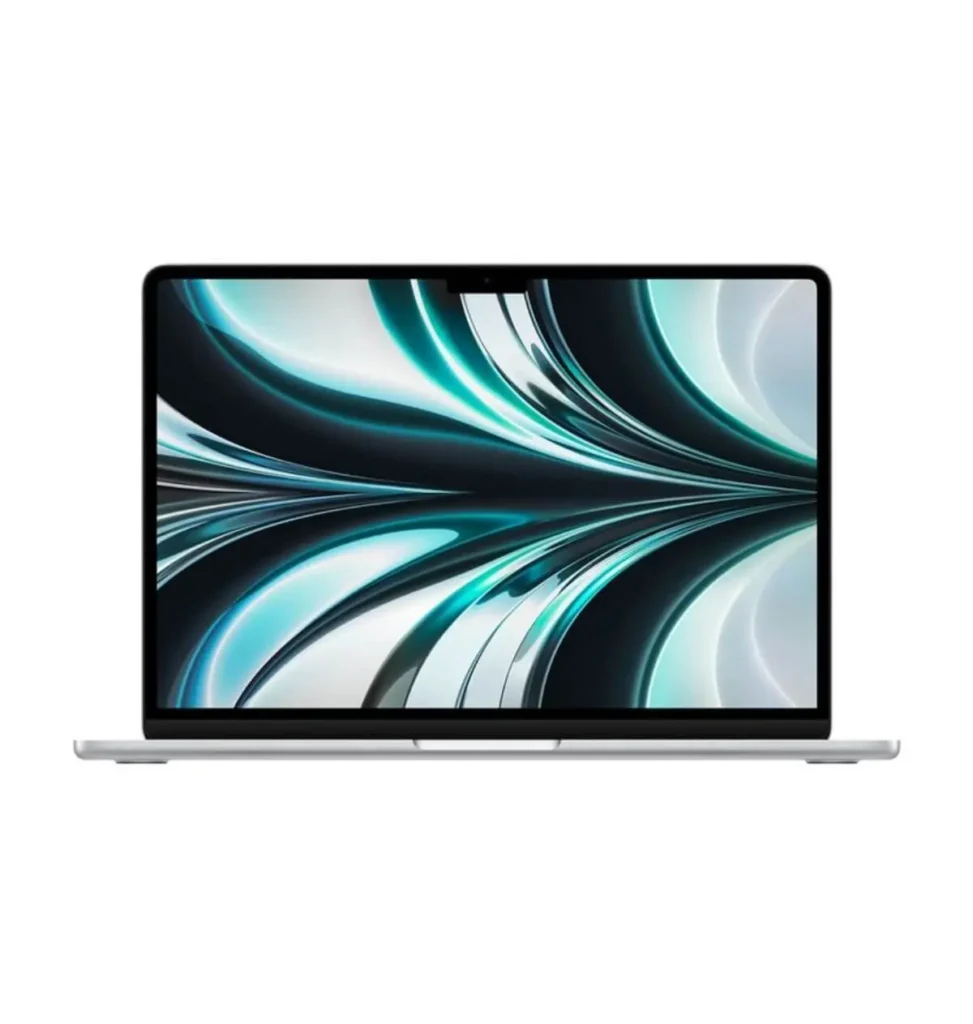
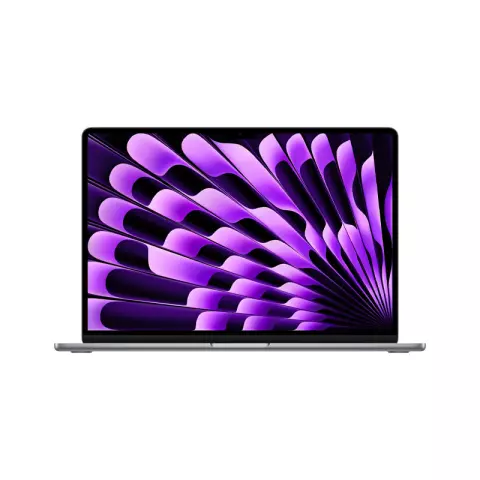
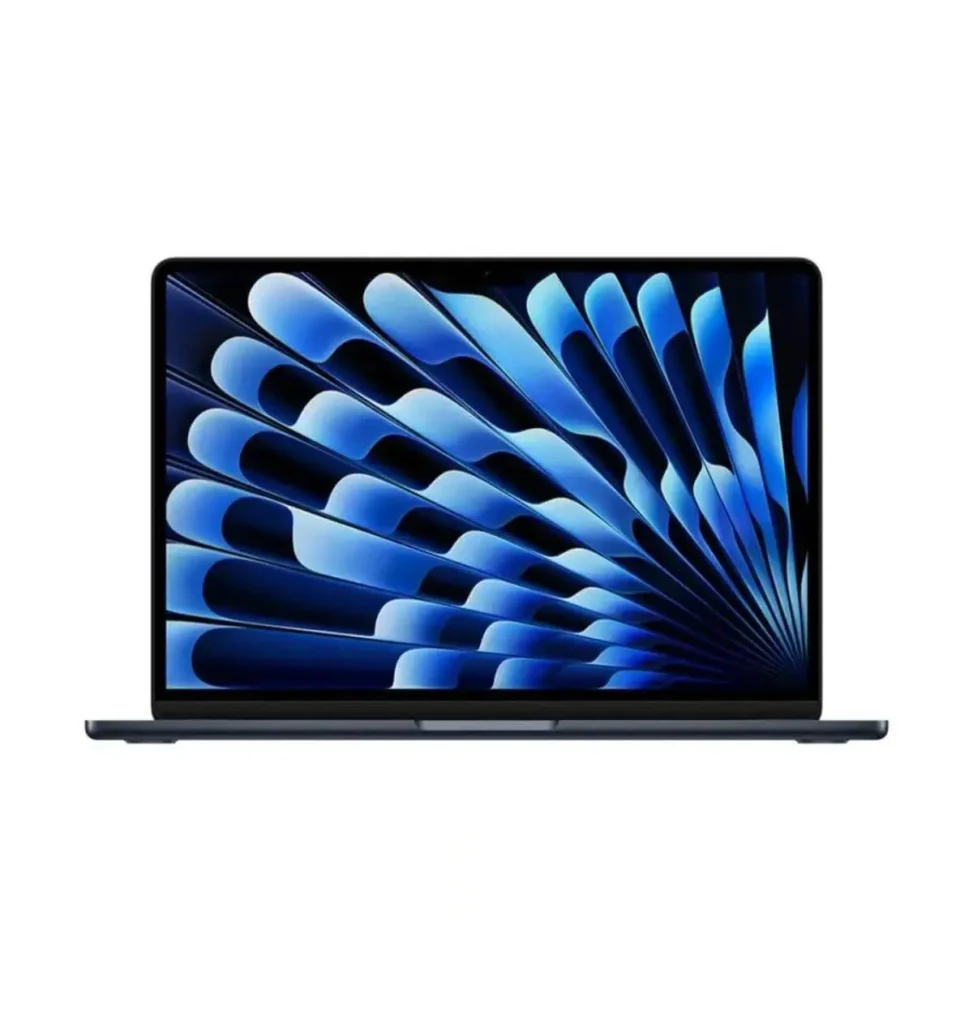
Used MacBook Air and MacBook Pro models are popular for design, development and general use. Check battery cycle count, whether the device is locked to an iCloud account, the screen for coating damage, and that the keyboard works correctly.
Popular Used Laptop Brands and Series Worth Considering
Brand and series | Best for | Why buyers like it |
|---|
Dell Latitude | Office, students, business | Durable, widely serviced, good value |
Lenovo ThinkPad (T, X, E series) | Programmers, professionals | Excellent keyboards, strong build |
HP EliteBook and ProBook | Corporate and daily work | Solid build, good security features |
Apple MacBook Air and Pro | Creators, developers | Long battery life, strong resale value |
Dell XPS and Precision | Designers, editors | High performance and better displays |
Microsoft Surface | Mobility, note-taking | Light, touchscreen, premium feel |
Prices change with model year, condition and market demand, so always request the current price and the exact configuration instead of relying on old figures you saw online.
Specifications That Matter Most in 2026
Do not buy a used laptop on brand name alone. Check these specifications in this order:
- Storage type: An SSD is essential. A laptop running only on an old hard disk will feel slow however good the processor is.
- RAM: 8GB is the practical minimum for smooth use today. 16GB is a safer long-term choice.
- Processor generation: Prefer 8th generation Intel or newer, or equivalent AMD Ryzen. Older chips may not receive the best driver and security support.
- Battery health: Ask for battery backup in hours. A tired battery can cost a lot to replace and ruin portability.
- Display: Full HD (1920 x 1080) is the comfortable standard. Check brightness and look for lines or dark patches.
- Windows support: Confirm the laptop can run a current, properly licensed Windows version.
- Ports and connectivity: USB-C, HDMI, USB 3.0 and Wi-Fi 5 or Wi-Fi 6 make a laptop easier to live with for years.
Used Laptop Inspection Checklist (Use It in the Shop)
Print this or save it on your phone. If you cannot inspect in person, ask the seller for a live video call showing each step.
- Body: Look for cracks, deep dents, loose hinges or gaps around the screen and base.
- Screen: Open a white and a black full-screen image to spot dead pixels, yellow patches and backlight bleed.
- Keyboard and trackpad: Press every key and test clicking and gestures.
- Battery: Check the percentage drop over several minutes and ask for the battery health report.
- Ports: Plug a pen drive into each USB port and test the charging port for wobble.
- Performance: Open several apps and a video to listen for loud fans and watch temperatures.
- Camera, speakers and microphone: Test them in a video call.
- Wi-Fi and Bluetooth: Connect to a hotspot and a Bluetooth device.
- Software: Confirm Windows is activated and no suspicious software is installed.
- Serial number: Check that the number on the body matches the system information and the invoice.
- Paperwork: Get a dated invoice and a written warranty before you leave.
Red Flags That Tell You to Walk Away
- The seller refuses to let you test the laptop or video call the inspection
- The price is dramatically lower than every other seller
- No warranty, or “warranty” with no document
- Stock photos instead of real photos of the actual unit
- Pressure to pay immediately with phrases like “only one left”
- No invoice, no address and no phone support
- Vague answers about the laptop’s history or why it was sold
- A laptop that shows signs of liquid damage, such as corrosion near ports or a sticky keyboard
Why Buyers Choose Iconic Laptop Point as a Trusted Used Laptop Shop in Bangladesh
Edit this section to reflect your real policies. Only publish claims you can prove.
At Iconic Laptop Point, we built our process around the problems buyers complain about most:
- Multi-point testing. Each laptop passes a hardware and software check before it reaches the shelf. Battery, display, keyboard, ports, storage and thermal performance are all covered.
- Warranty you can use. Every laptop includes a 3-month warranty with a printed card and a service point you can reach easily.
- Honest condition grading. We state the real cosmetic grade and battery backup, so what you see is what you receive.
- Fair, transparent pricing. Clear prices, no hidden charges, and a written invoice with every sale.
- Genuine brands and models. Dell, HP, Lenovo, Apple and more, selected for reliability and parts availability.
- Delivery across Bangladesh. Secure packaging and trusted courier partners deliver to all districts, with support after your order arrives.
- Real people to talk to. Our team can recommend the right laptop for your budget and work instead of pushing the most expensive option.
How to Buy From Iconic Laptop Point: Simple 5-Step Process
- Tell us your budget and purpose. Study, office, design or business: we narrow the options for you.
- Choose a model. Browse our used laptop collection and compare specifications, photos and condition.
- Inspect or request a video check. Visit the shop, or ask for a live video demonstration.
- Confirm payment and invoice. Pay by your preferred method and receive your warranty card and invoice.
- Pick up or get delivery. Collect from the shop or receive it at your door anywhere in Bangladesh.
Used Laptop vs. Refurbished vs. New: Which Is Better for You?
Factor | Used | Refurbished | New |
|---|
Price | Lowest | Moderate | Highest |
Condition | Varies, depends on seller | Repaired and tested | Brand new |
Warranty | Varies by shop | Often included | Manufacturer warranty |
Best for | Budget buyers who inspect carefully | Buyers wanting lower risk | Buyers wanting the latest hardware |
A well-tested used or refurbished laptop from a trusted shop often beats a poorly specified new laptop at the same price.
Tips to Get the Best Price on a Used Laptop
- Compare at least three shops for the same model and generation
- Ask whether the quoted price includes the charger and a laptop bag
- Negotiate politely when buying more than one device or when paying in full
- Avoid paying extra for specifications you will not use
- Check recent price changes for the exact model rather than relying on old online listings
Taking Care of Your Used Laptop After You Buy It
- Update Windows and drivers, and use reliable security software
- Keep the vents clean and use the laptop on a hard, flat surface
- Avoid leaving it plugged in at 100% for long periods
- Back up important files regularly to cloud storage or an external drive
- Clean and service the cooling system roughly once a year
Frequently Asked Questions
Which is the best used laptop shop in Bangladesh?
There is no single answer for everyone, but the best shop consistently offers tested devices, a written warranty, honest descriptions, fair prices, reliable after-sales service and verifiable customer reviews. Compare shops against those criteria, and visit or video-inspect before paying.
Is it safe to buy a used laptop in Bangladesh?
Yes, if you buy from a reputable seller and inspect the device carefully. Always get an invoice, a warranty in writing, and confirm the serial number matches.
Which used laptop is best for students?
A Dell Latitude, Lenovo ThinkPad or HP EliteBook with an 8th generation Intel Core i5 or newer, 8GB RAM and an SSD is a dependable choice for most students.
How much warranty should a used laptop have?
Look for a minimum of three to six months, and ideally longer. The coverage terms matter as much as the duration, so read what is included.
Should I buy a used MacBook in Bangladesh?
It can be a great value if you verify battery cycle count, screen condition, keyboard function and that the device is not locked to someone else’s Apple ID. Buy from a seller who lets you check these in person.
Can I buy a used laptop online and get it delivered outside Dhaka?
Yes. Many shops deliver across all districts. Choose one that provides real photos, a video check, secure packaging and a return or replacement policy for faulty units.
Used or refurbished: which is better?
Refurbished laptops have typically been repaired and tested, which can mean lower risk, while used laptops are sold closer to as-is. The seller’s testing process and warranty matter more than the label.
How can I check the battery health of a used laptop?
Request a battery report from the seller, or generate one yourself on Windows using the built-in battery report command. Compare the design capacity with the current full-charge capacity.
Final Thoughts: Choose the Shop, Then Choose the Laptop
The best used laptop shop in Bangladesh is the one that earns trust before it asks for payment: tested devices, clear warranty, honest condition notes, fair pricing and support that continues after the sale. Use the checklist in this guide to compare every seller you meet, and do not rush.
Ready to find a reliable used laptop? Browse the Iconic Laptop Point used laptop collection, visit our shop, or message us with your budget and needs, and we will recommend the best match.